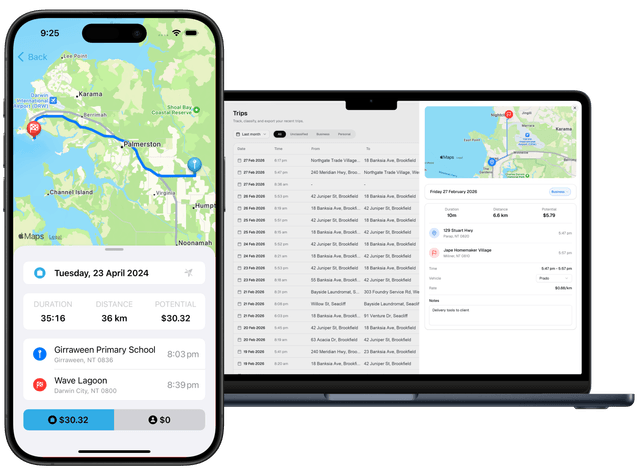
Product
Vehicle Log Book App Australia: A Practical Workflow
13 August 2026 • 9 min read
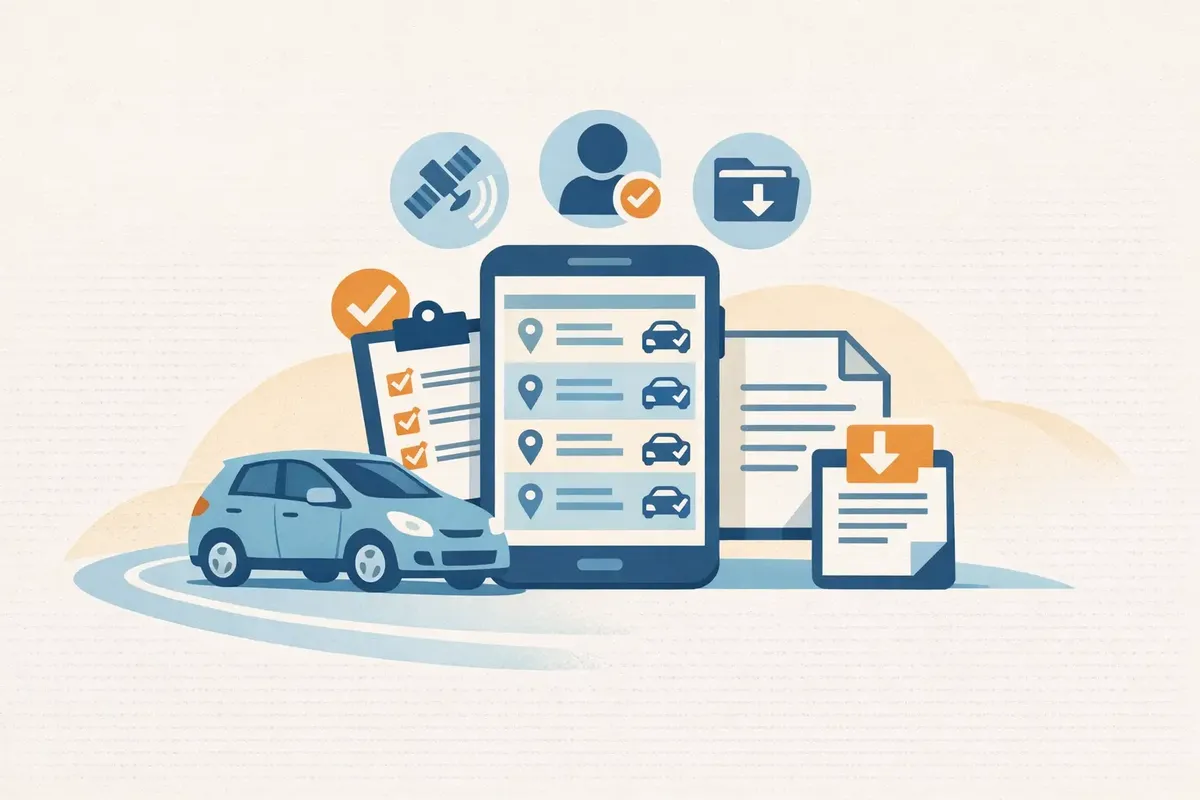
Quick answer: what a vehicle log book app should do
A useful vehicle log book app should capture trips with as little friction as possible, make business and private classification easy to review, and produce a report you can understand outside the app. Automatic detection is helpful, but it is only the first step. A route cannot know why you travelled, whether a stop was private, or whether a missed journey needs to be added.
For most Australian drivers, the practical workflow is capture, review, then export. Let the app collect a draft trip history, review purpose and missing journeys once a week, and test the export well before you need records for an accountant, employer or tax return. If an app makes any one of those stages difficult, its long feature list will not fix the weak record.
This guide owns that app-selection and operating job. It does not replace the ATO logbook method guide, provide a printable trip sheet, or decide whether a journey is deductible. The ATO’s current motor vehicle guidance remains the source to check for rules applying to your circumstances.
The capture-review-export workflow
Treat the app as a small record system with three separate jobs.
1. Capture a complete draft
Automatic trip capture should notice ordinary journeys without requiring you to remember a start button. During your trial, check when detection begins and ends, how the app handles short stops, and whether it assigns the correct vehicle. Keep an eye on battery settings and permissions because a tracker that has silently lost location access can create a convincing but incomplete week.
Manual entry still matters. You need a clear recovery path for a missed trip, a changed phone, a flat battery or travel completed in another vehicle. A good recovery flow lets you add a journey without pretending that the app detected it automatically.
2. Review purpose while it is fresh
Set a weekly review time. Open every unclassified trip, mark it business or private, and add a short purpose that identifies the task, client, site or appointment. “Work” is easy to enter but difficult to understand later. “Client equipment check—Palmerston” preserves useful context.
Also look for gaps between trips, duplicate detections, unexpected routes and journeys assigned to the wrong car. Automatic capture reduces memory work; it does not remove the need for judgement.
3. Export a record you can use
Do not wait until tax time to discover what the report contains. Export a sample after the first week. Check whether it includes understandable dates, distances, purposes, classifications and vehicle details, and whether you can save a stable copy for your own records. The file should make sense without a special explanation from the app.
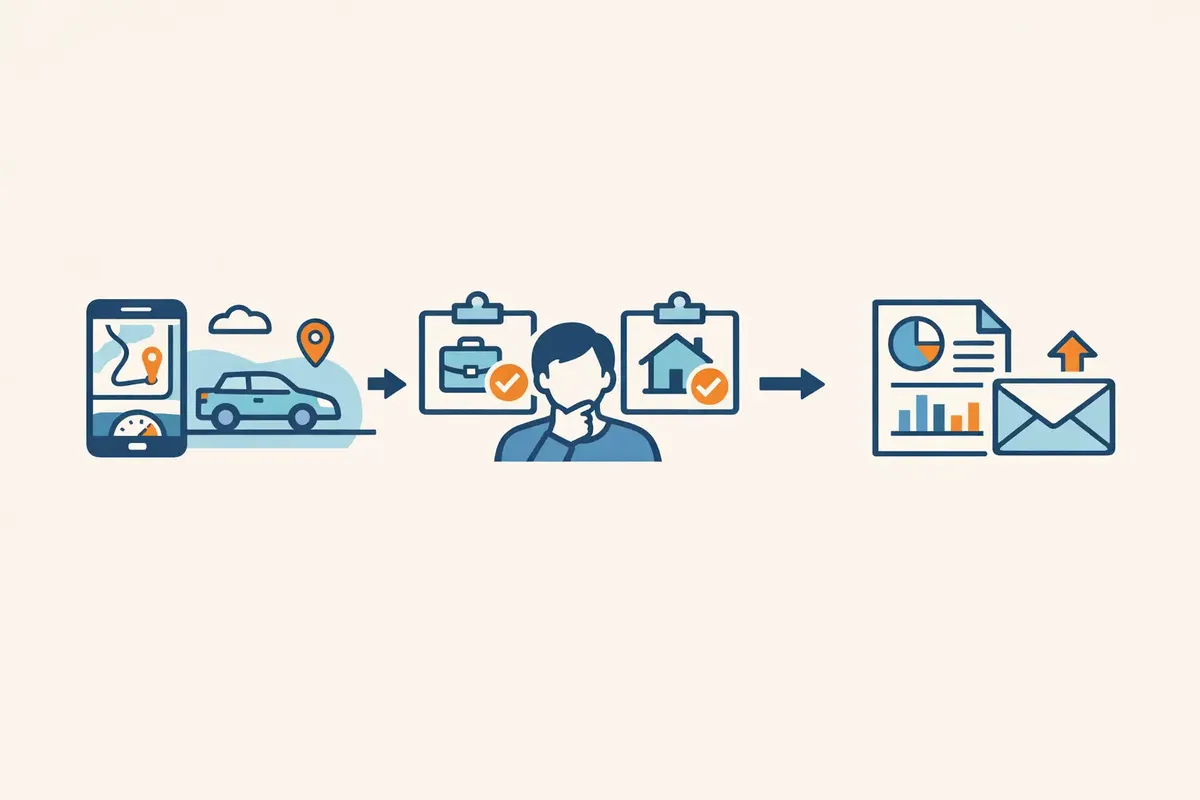
The three stages are deliberately separate. If capture fails, recover the missing trip. If classification is vague, improve the purpose. If the export is unreadable, resolve it while you still have time to change your workflow.
What to test in the first seven days
Use a normal working week as an acceptance test instead of choosing from screenshots alone.
| Test | What to do | Passing sign |
|---|---|---|
| Automatic detection | Drive several normal, short and multi-stop journeys | Expected journeys appear without obvious duplicates |
| Missed-trip recovery | Add one known trip manually | The correction is clear and does not break the sequence |
| Business/private review | Classify a mixed week | Unreviewed trips remain easy to find |
| Purpose notes | Add specific tasks to business trips | The report shows the purpose in readable language |
| Vehicle handling | Check every captured journey | Trips are attached to the right car |
| Odometer reconciliation | Compare the app with the vehicle at the start and end of the week | Differences can be investigated rather than hidden |
| Export | Create and open a sample report | The file is readable, saveable and suitable to share |
| Permissions and battery | Review phone settings after several days | Capture continues without unexpected permission loss |
Do not manufacture a perfect test week. The useful evidence comes from ordinary friction: a quick stop, a private detour, a forgotten purpose or a trip the phone missed. You are testing whether the app helps you find and resolve those cases.
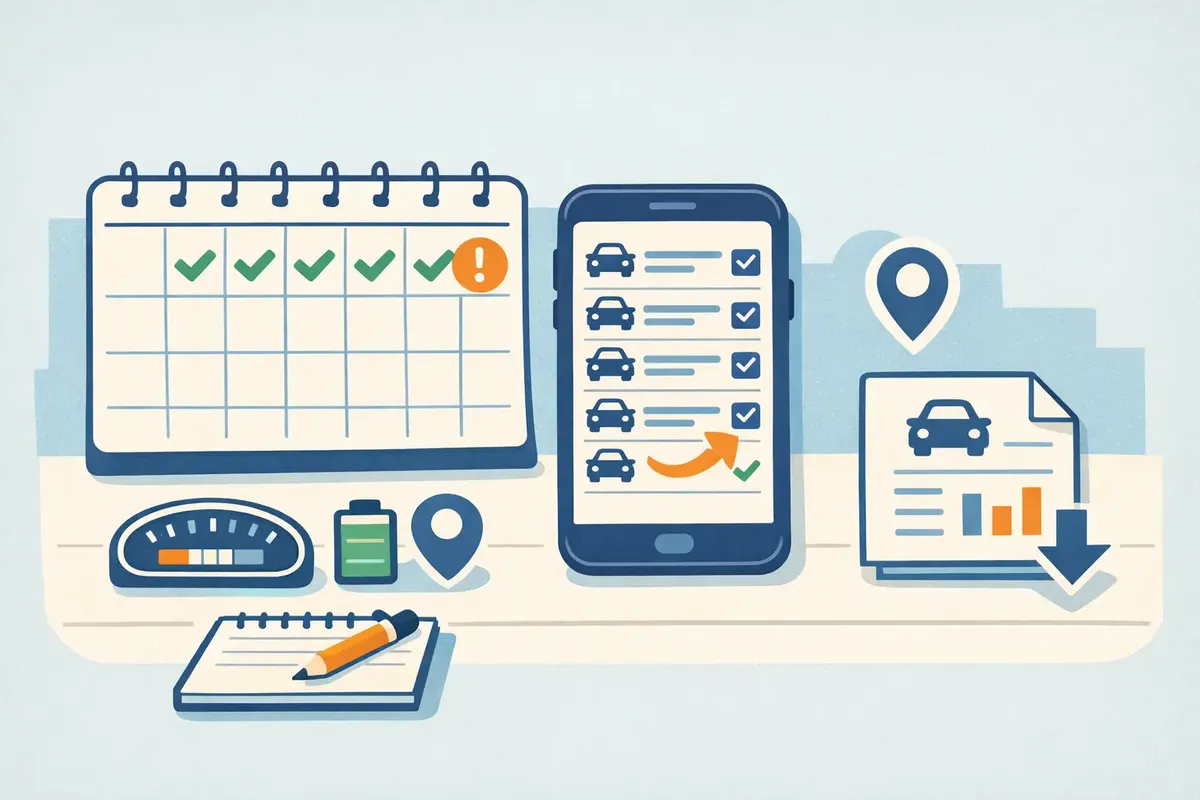
If you already know that you prefer manual records, use the separate ATO vehicle log book template. That page owns the copyable record format. This page is for deciding whether a digital workflow earns its place by reducing missed capture without hiding the review work.
Automatic capture still needs purpose review
A GPS trace can usually describe where and when a phone moved. It cannot reliably decide the tax or employment purpose of that movement. The same route could be a client visit on Tuesday and a private errand on Saturday. That is why “automatic” should mean automatic collection, not automatic certainty.
Keep an unreviewed inbox visible. Review it on a day when the week’s appointments and job details are still familiar. For a business trip, write a purpose another person could understand. For a private trip, a simple private classification is usually enough; you do not need to record unnecessary personal detail merely to preserve the sequence.
When a journey has mixed purposes, separate the relevant legs rather than attaching a business label to the whole route. If you need help deciding whether an employee journey may be work-related, use the Australian employee car-expenses guide. An app can organise your facts, but it should not silently make that decision for you.
Try DriveLog for automatic trip capture and regular purpose review.
Check the export before tax time
An export is your exit route from the app. It matters even when you intend to keep using the same product.
Open the file rather than assuming that an “export” button is enough. Look for complete rows, readable dates, consistent units, trip purpose, business/private classification and the vehicle identity. Check whether edits appear, whether private trips are handled clearly, and whether totals can be traced back to individual journeys.
Save a copy somewhere you control. Ask whether you could still explain the record if you changed phones, ended a subscription, lost account access or shared the report with a tax agent. A useful digital vehicle log book should reduce dependence on memory, not create dependence on one screen.
The ATO permits electronic records, but the record still needs to support the method and claim you use. If you are comparing calculation methods, keep that decision in the cents-per-kilometre versus logbook guide rather than asking the export to prove a method choice it was not designed to make.
Choose an app that fits your work pattern
Different drivers need different capture controls. Evaluate the workflow you actually have.
- Frequent client or site visits: prioritise reliable automatic capture, fast purpose notes and a clear unreviewed-trip queue.
- One car with occasional work travel: a simple review screen and easy manual recovery may matter more than fleet features.
- Several vehicles or drivers: check vehicle assignment, separation of records, permissions and reporting ownership before relying on the system.
- Employees seeking reimbursement: confirm that the export fits the information your employer expects; reimbursement records and tax deductions are not automatically the same thing.
- Sole traders using the logbook method: test odometer reconciliation, stable exports and record retention, then read the full method rules separately.
Privacy deserves a practical test too. Review what location access the app requests, when tracking runs, how private trips appear, and how you delete or export your data. The right setting balances reliable capture with controls you understand.
Avoid choosing solely from a claim such as “ATO compliant”. An app can provide useful fields and reports, but you remain responsible for accurate facts, trip purpose, the method you use and any supporting evidence required for your circumstances.
Start a low-maintenance logbook habit
The best app is the one that survives an ordinary month. Begin with a seven-day test, then lock in a small routine:
- Let the app collect a draft trip history.
- Review unclassified and suspicious journeys at the same time each week.
- Add specific purposes while work details are still familiar.
- Reconcile obvious gaps with your odometer, calendar or job records.
- Export and save a sample regularly rather than only at year end.
Keep the routine light enough to repeat. Ten careful minutes each week is more useful than a large clean-up after months of unreviewed automatic trips.
If you later choose the cents-per-kilometre method, the ATO cents-per-kilometre calculator can help with that separate calculation. Do not turn this app workflow into a rate guide or assume that captured kilometres are automatically claimable.
Frequently asked questions
Does a vehicle log book app have to be approved by the ATO?
Do not rely on a product label as a substitute for your own record responsibilities. Focus on whether the app captures the information you need, lets you review and correct it, and produces reliable records. Check current ATO guidance for your method and circumstances.
Can automatic mileage tracking miss trips?
Yes. Phone permissions, battery settings, a changed device, short journeys or detection errors can interrupt capture. Test recovery during the first week and review for gaps regularly.
How often should I classify trips?
A weekly review is a practical default because the purpose is still familiar and the backlog stays small. More frequent review may suit drivers making many mixed business and private journeys.
Should private trips stay in the app?
Keeping private trips classified can make the journey sequence and odometer history easier to reconcile. Use the app’s privacy controls and avoid recording unnecessary personal details.
What should I look for in an export?
Check that dates, distances, vehicle, purpose and business/private classification are readable; edits are reflected; totals can be traced to journeys; and you can save a stable copy outside the app.
The official record guidance used for this article was checked on 6 August 2026 against the ATO motor vehicle and car-expenses page, expenses for a car you own or lease, and the ATO logbook guidance. Rules can change and depend on your facts; this article is general information, not personal tax advice.
Download DriveLog and test the capture-review-export workflow.