
Interactive demo · about 60 seconds
How DriveLog works.
Take it for a test drive. Log a day of trips without touching the app, sort them in a tap, and build a tax-ready mileage report.
- 1Switch on
- 2Drive
- 3Sort
- 4Report
Interactive demo
Take DriveLog for a test drive. Drive a workday around town, sort the trips, and build a tax-ready report. It takes about a minute.

DriveLog
Mileage tracker for iPhone
Off. Trips won't be recorded.
Allow “DriveLog” to use your location?
DriveLog uses your location in the background to detect trips and record their routes.
No rules yet. Tap + to add one.
Rules are applied in order from top to bottom.
Trips that aren’t affected by the rules.
Test drive complete
Your week, logged and ready to claim.
- Trips logged
- 0
- Business miles
- 0
- Potential claim
- $0
Keep that pace for 48 working weeks and it’s about $0 a year, without typing a single trip.

Free plan · 50 trips a month
What you just tried, in the real app
The demo follows the same four steps DriveLog runs on your iPhone. The difference: in real life, step two happens in your pocket while you drive.
- 1
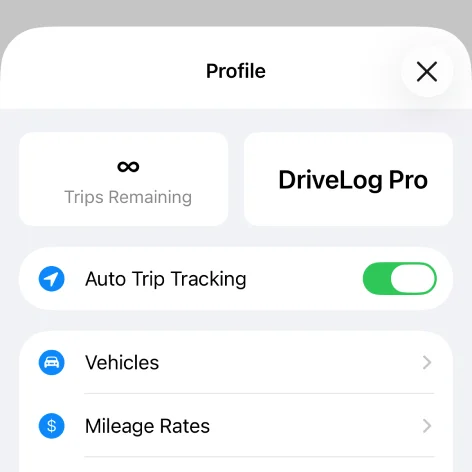
Switch on Auto Trip Tracking
Download DriveLog, allow location access, and turn on Auto Trip Tracking. That is the whole setup. Add your vehicles and pick a mileage rate whenever you like.
- 2
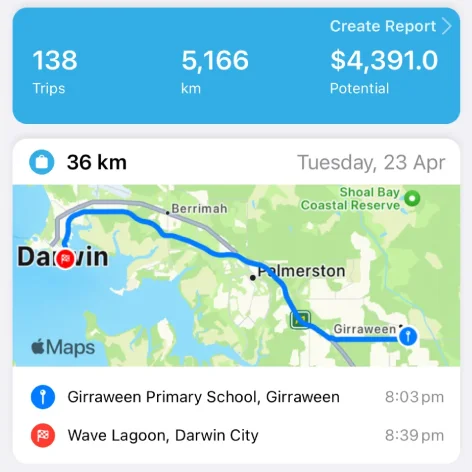
Drive like you normally do
DriveLog detects trips in the background and records the route, start and end points, times and distance. There is no start button to remember, and you can review or edit any trip later.
- 3
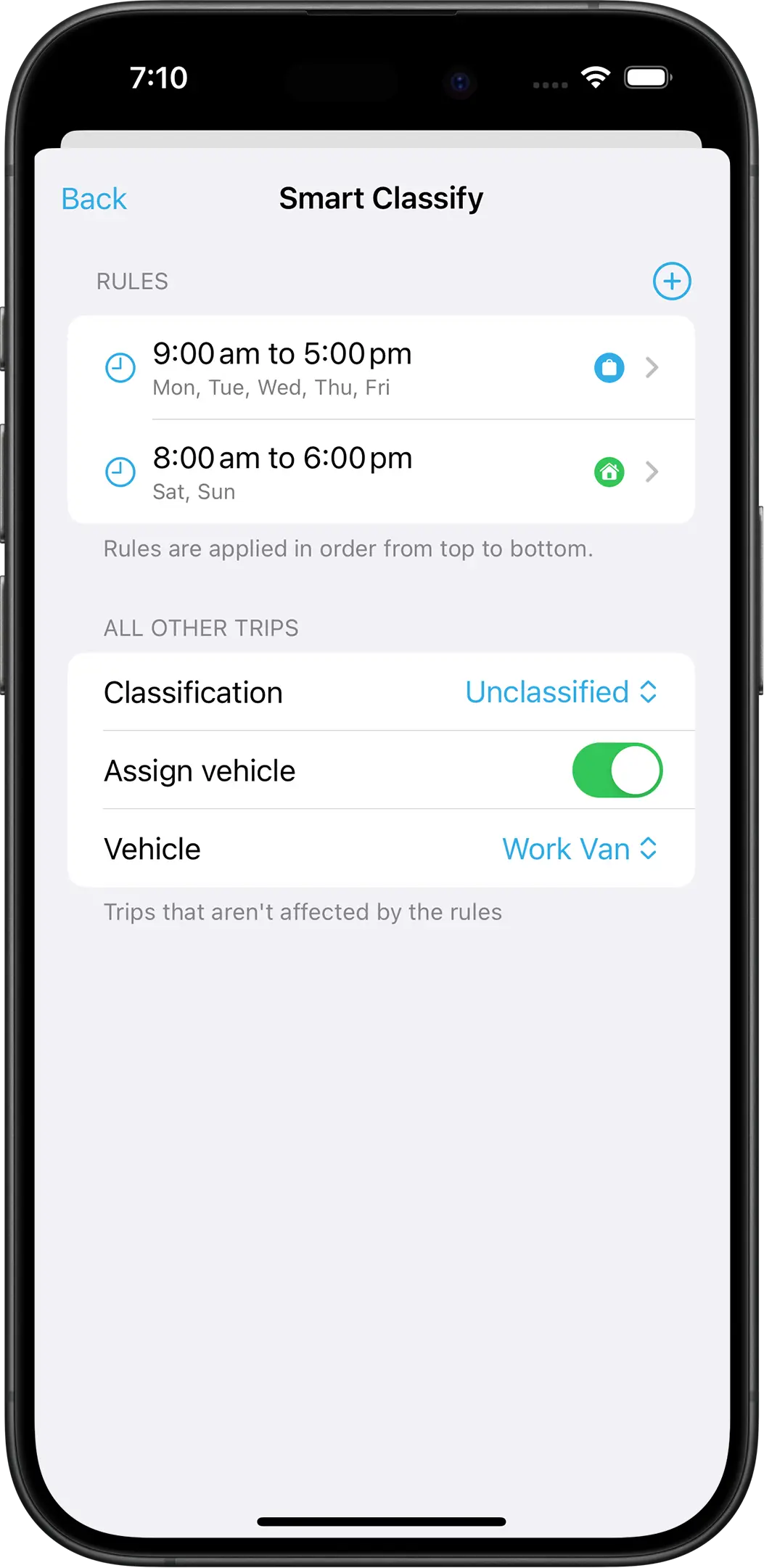
Sort trips in a tap, or let rules do it
Mark a trip Business or Personal with one tap. Or set Smart Classify rules, such as weekdays from 9 to 5, and DriveLog sorts trips for you. Anything the rules miss goes to your default.
- 4
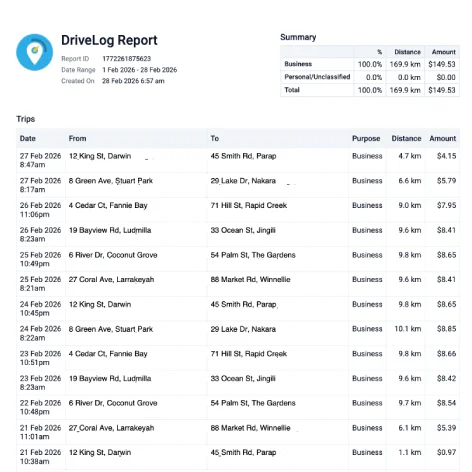
Export a tax-ready report
Pick a date range and the columns you want, then create a PDF with your totals, business-use split and a summary for each vehicle. Create reports in the app or on the web dashboard.
Where the demo numbers come from
Switch the region in the demo and every distance, rate and total updates. These are the published rates it uses. In the app, you can pick any of them or set your own.
| Region | Rate | What it covers |
|---|---|---|
| United States IRS mileage rate 2026 → | 72.5¢ per mile IRS standard mileage rate for business use in 2026 | IRS standard mileage rate for business use in 2026 |
| Australia ATO cents per km rate 2026–27 → | 91¢ per km ATO cents per kilometre method for 2026–27, up to 5,000 business km per car | ATO cents per kilometre method for 2026–27, up to 5,000 business km per car |
| United Kingdom HMRC mileage rates 2026/27 → | 45p per mile HMRC approved mileage rate for the first 10,000 miles, then 25p | HMRC approved mileage rate for the first 10,000 miles, then 25p |
| Canada CRA mileage rate 2026 → | 73¢ per km CRA 2026 allowance rate for the first 5,000 km, then 67¢ | CRA 2026 allowance rate for the first 5,000 km, then 67¢ |
Want the number for your own driving? Try the mileage calculators.
Questions about how DriveLog works
How does DriveLog know when I’m driving?
Do I have to classify every trip by hand?
What’s in a DriveLog mileage report?
Which mileage rate does DriveLog use?
Is DriveLog free?
Are the numbers in the demo real?
Ready for the real thing?
Download DriveLog free. Turn on tracking once, and every drive after that logs itself.