Product
Employee Mileage Reimbursement Calculator Australia
27 August 2026 • 9 min read
Quick Answer: Estimate an Employee Mileage Payment
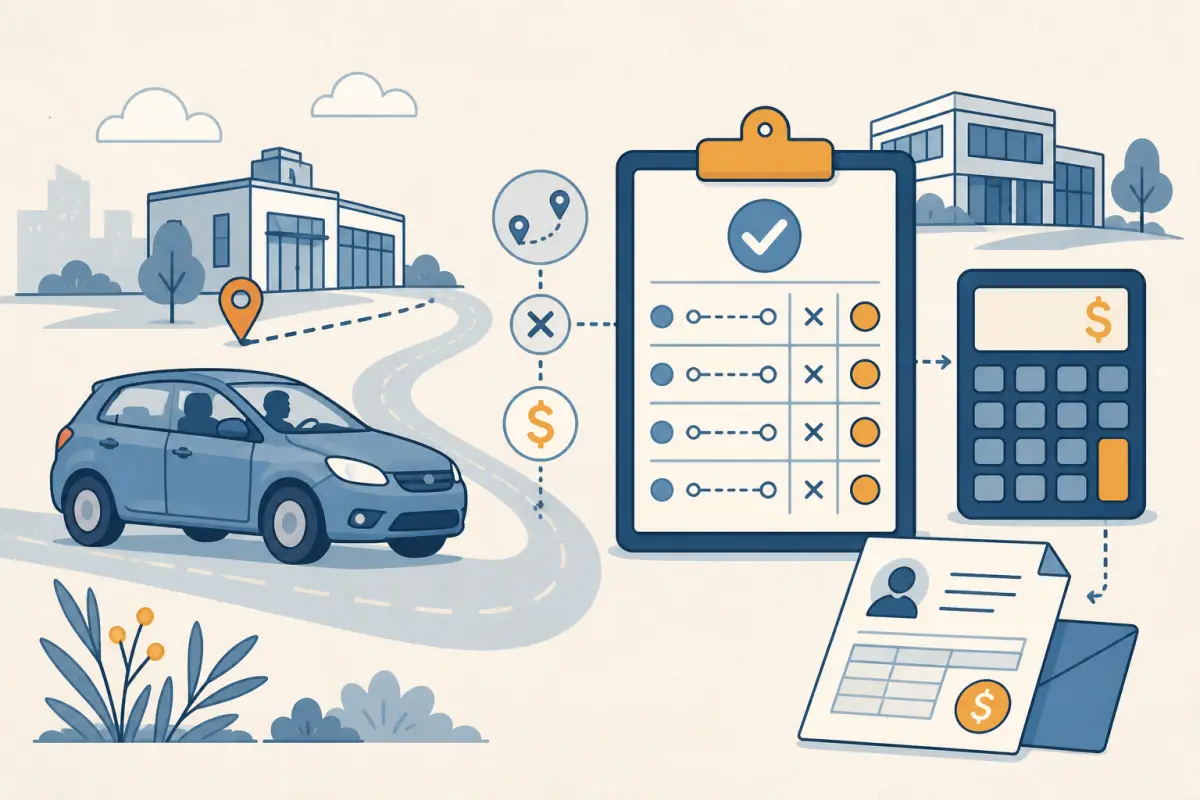
This mileage reimbursement calculator estimates a gross payment from an employer to an employee for approved work travel. Enter the approved kilometres and the reimbursement rate supplied by the employer. The calculation is:
Approved work kilometres × employer rate per kilometre
= gross mileage reimbursement
The rate is deliberately editable. An employment contract, workplace policy or applicable industrial instrument may set a rate that differs from an ATO tax-deduction rate. This page does not decide which rate an employee is entitled to receive, whether a trip qualifies, or what either party should report for tax.
Keep the approved trip record beside the result. A payment total without dates, destinations and business purposes is difficult for a manager or payroll team to verify.
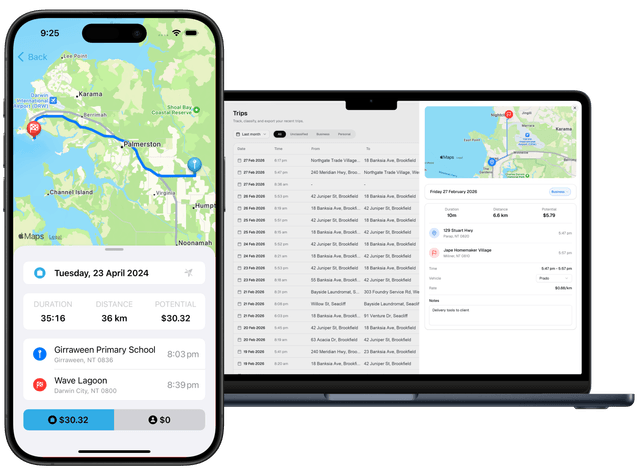
Record work trips before calculating the payment with DriveLog
Employee Reimbursement Amount Calculator
The starting figures are an example only. Replace both inputs with the approved distance and the rate supplied for the payment arrangement.
Formula for a Gross Employer Payment
The calculator uses only two figures: an approved distance and an employer rate. If 320 kilometres are approved at $1.00 per kilometre, the estimated payment is:
320 km × $1.00 per km = $320.00This is a gross payment estimate. It does not calculate withholding, superannuation, payroll coding or the employee’s final tax position. Those questions depend on the payment arrangement and the facts recorded by the employer.
If several authorised trips belong in one claim, add their distances before applying the rate. For example, trips of 46.8 km, 82.4 km and 71.3 km total 200.5 km. Keep the individual rows even when payroll receives one combined figure, because the rows explain how the total was produced.
Do not substitute all odometer movement for approved work distance. Ordinary private travel, commuting and unapproved detours should not be included merely because the car moved during the pay period.
Selecting an Authorised Employer Rate
Use the rate that applies to the employer payment being calculated. Check the current employment contract, enterprise agreement, modern award, written workplace policy or specific approval. If the source is unclear, stop at the distance total and ask the relevant payroll or HR contact to confirm the rate before treating the result as payable.
This calculator does not default to the ATO cents-per-kilometre deduction rate. The ATO rate belongs to a separate employee deduction method and does not automatically set every employer payment. Likewise, a flat car allowance on a payslip is not the same calculation as approved kilometres multiplied by a rate.
If the payment is actually a fixed allowance, use the car allowance coverage calculator instead. If the task is to estimate a personal ATO deduction, use the ATO cents-per-kilometre calculator. Those pages own different questions and inputs.
Worked Reimbursement Example for an Approved Trip Batch
Suppose a field coordinator submits four approved trips in one fortnight:
| Date | Work purpose | Approved kilometres |
|---|---|---|
| 4 August | Visit the north client site | 38.6 km |
| 7 August | Deliver equipment to a second workplace | 64.2 km |
| 11 August | Attend an off-site project meeting | 47.9 km |
| 13 August | Return approved equipment | 29.3 km |
| Total | 180.0 km |
The employer’s confirmed rate for this example is $1.00 per kilometre. The estimated reimbursement is:
180.0 km × $1.00 per km = $180.00Payroll should receive the $180.00 total together with the underlying trip rows and the source of the approved rate. If a manager approves only three of the four trips, recalculate from the approved rows rather than applying a percentage to the original dollar total.
The example rate is not a universal Australian entitlement. Rates and conditions can differ between workplaces and industrial instruments, and they can change. The useful pattern is stable: confirm the authorised kilometres, confirm the applicable rate, multiply, then retain the evidence.
Approval-Ready Trip Record Workflow
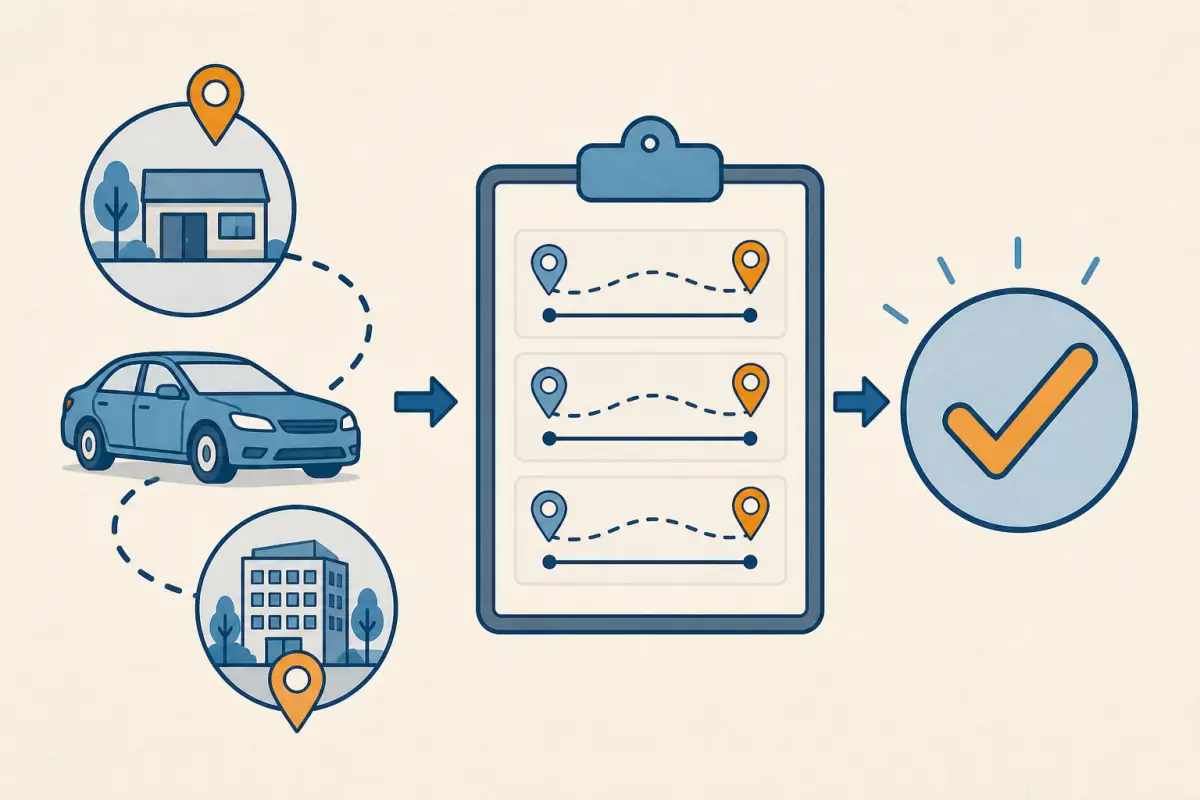
Build the claim from trip-level evidence rather than reconstructing it after a payslip arrives.
- Capture the trip date. Use the date the work travel occurred, not the date the claim is submitted.
- Record start and destination. A meaningful location or client name makes the route understandable without exposing unnecessary personal detail.
- Write a specific work purpose. “Client equipment delivery” is more useful than “business”.
- Retain the distance. Use a consistent method and keep any starting/ending odometer or route evidence required by the employer.
- Mark the approval state. Separate submitted, approved, rejected and paid trips so kilometres are not counted twice.
- Freeze the rate source. Note the policy, agreement or approval and the date checked.
DriveLog can organise the trip-capture side of this workflow. The Australian vehicle log book app guide explains how capture, review and export fit together; it does not choose the payment rate for an employer.
Payroll Handoff Fields
A clear payroll handoff should contain enough information to reproduce the result:
- employee and approving manager identifiers
- claim or pay-period dates
- each approved trip date, purpose and distance
- total approved kilometres
- rate in dollars per kilometre
- source or approval for that rate
- calculated gross reimbursement
- approval date and payment status
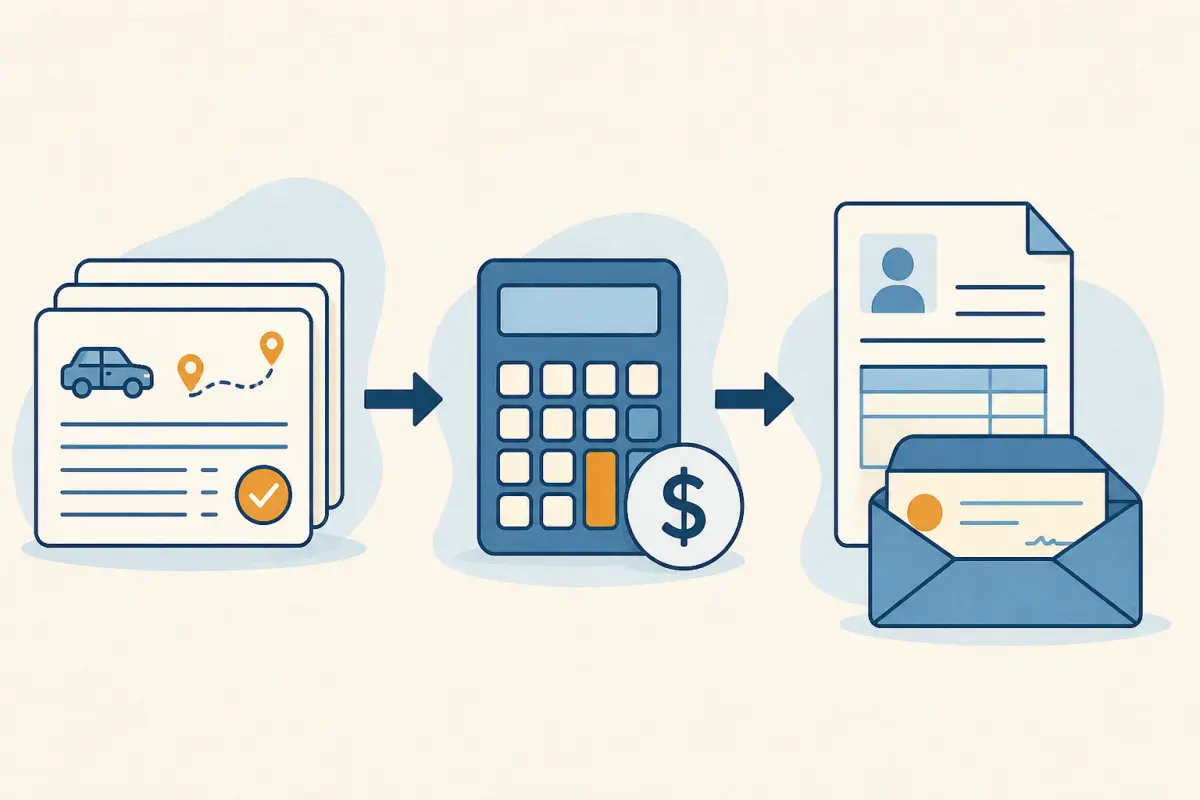
Keep the distance total and rate as separate fields. If a rate changes during a claim period, group trips by the applicable rate and calculate separate subtotals. That is clearer than averaging rates or editing the final payment without an audit trail.
For the broader question of whether travel is work-related for an employee tax claim, use the work-related car expenses guide and current official guidance. This page stops at the employer-payment workflow.
Calculator Scope and Exclusions
This calculator provides general arithmetic and recordkeeping guidance. It does not:
- determine whether an employer must pay a vehicle allowance or reimbursement
- identify the modern award, agreement, contract or policy that applies
- calculate a fixed car allowance, take-home allowance or vehicle-cost shortfall
- decide whether a trip is deductible for personal income tax
- apply the ATO cents-per-kilometre method or logbook method
- calculate GST, fringe benefits tax, payroll tax, withholding or superannuation
- provide legal, employment, payroll or tax advice
The ATO distinguishes allowances, reimbursements and employee deductions. A reimbursement of an identified expense is not automatically the same as an allowance, and an employer payment does not establish the amount of a personal deduction. Keep the payment record and any separate tax records so the correct treatment can be assessed from the facts.
Frequently Asked Questions About Employer-Paid Mileage
What is the formula for mileage reimbursement?
Multiply approved work kilometres by the employer rate per kilometre. Keep the trip rows, approval and rate source with the result.
Should I use the ATO rate in this calculator?
Only if the employer payment arrangement explicitly uses that rate. The ATO deduction rate does not automatically set an employer’s reimbursement or vehicle allowance.
Can I add several trips together?
Yes. Add only the approved kilometres that use the same rate. Keep each trip row so the combined total can be checked.
Is a mileage reimbursement the same as a car allowance?
No. A reimbursement is connected to identified expenses or travel under an employer process, while a car allowance may be a fixed payroll amount. The applicable documents and tax treatment matter.
Does this result show an employee’s tax deduction?
No. The result is an employer-payment estimate. A personal deduction is a separate calculation based on eligibility, method rules and records.
Official Sources and Next Steps
The payment boundaries on this page were checked on 28 August 2026 against:
- ATO employee guidance on allowances and reimbursements
- ATO motor vehicle and car expenses
- ATO expenses for a car an employee owns or leases
Verify the current rate and entitlement against the workplace documents that apply before approving or relying on a payment. This page is general information, not personal employment, payroll or tax advice.
Capture Approved Work Trips With DriveLog
The calculation takes seconds when the distance evidence is ready. Record trips as they happen, review their purpose and export the approved rows before applying the employer rate.
Download DriveLog and keep mileage records ready for approval