
Start tracking in minutes.
Three simple steps from download to your
first mileage report
1
Step 1 — Set up
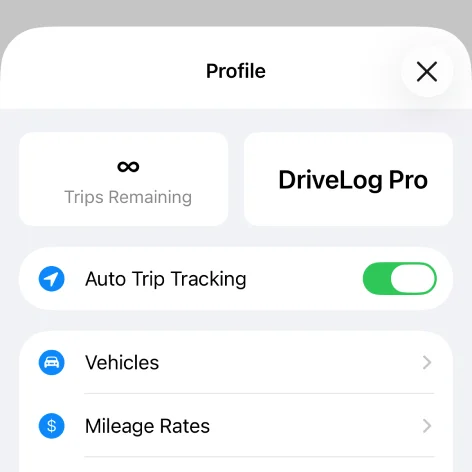
Download DriveLog from the App Store, complete the quick permissions setup, and enable Auto Trip Tracking
2
Step 2 — Drive normally
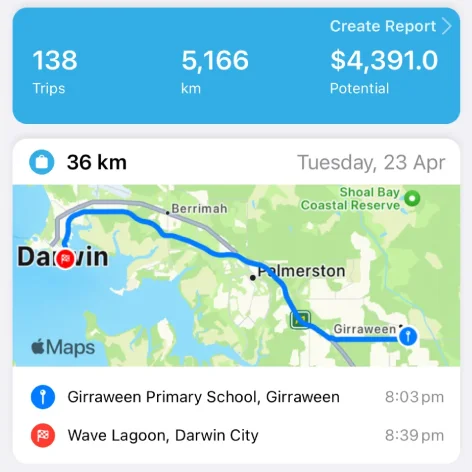
Just drive as usual—DriveLog records trips automatically in the background
3
Step 3 — Classify & report
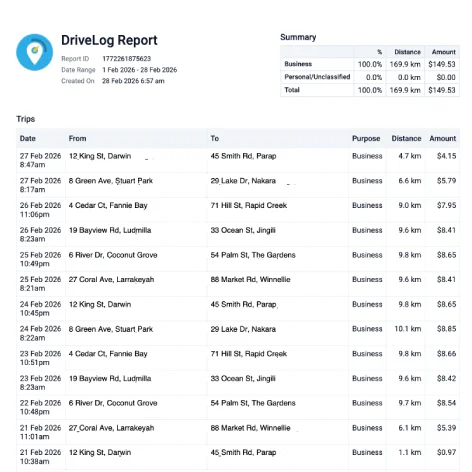
Classify trips and generate PDF reports anytime—in the app or online
Ready to start tracking?
Download DriveLog free and let every mile count toward your next deduction.